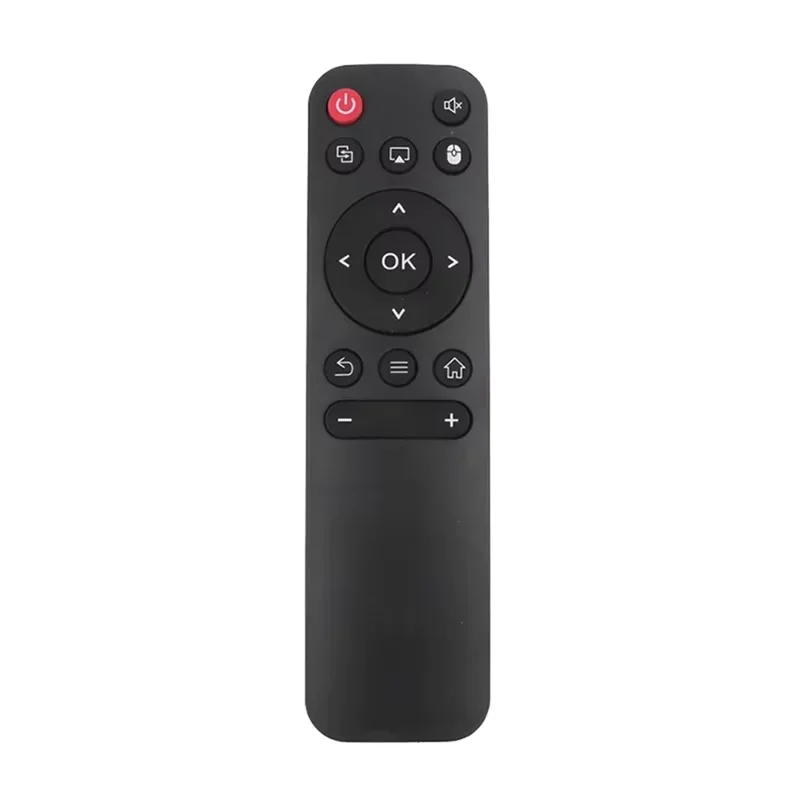
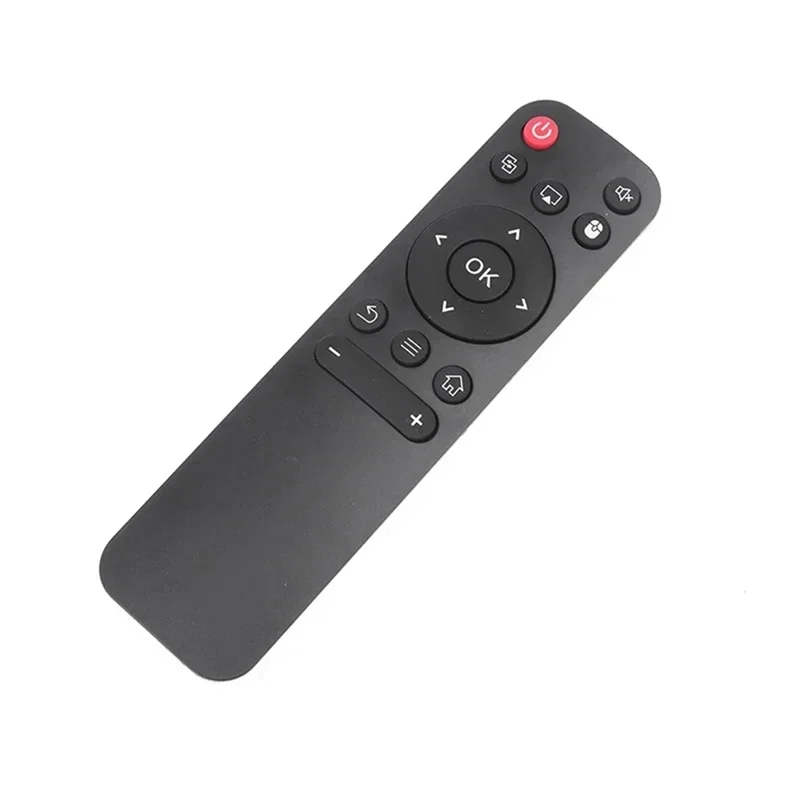
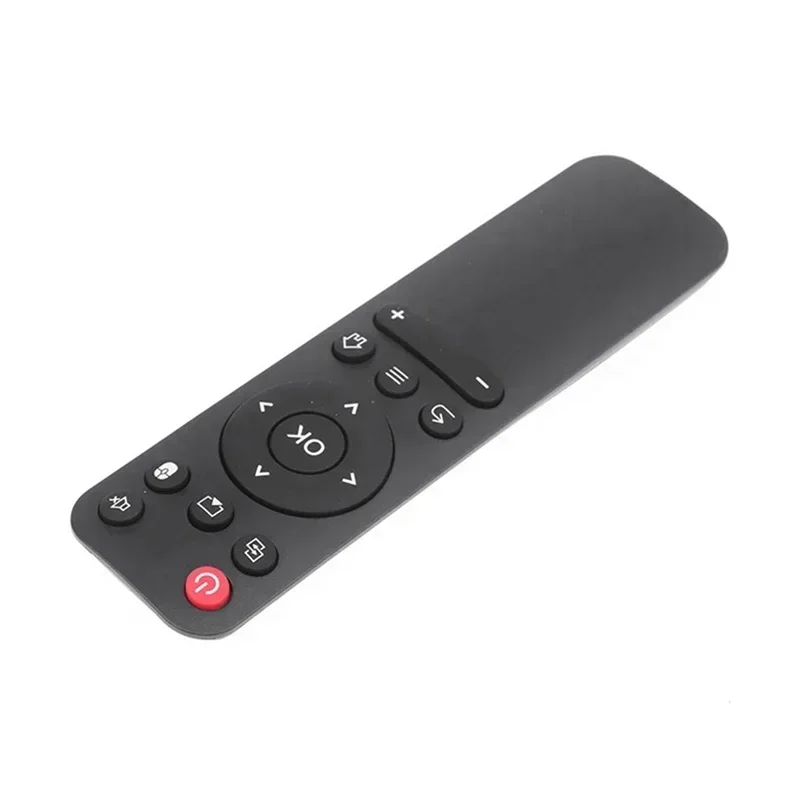
Projector Remote Control For HY300 HY320 HY300 PRO Projector Portable Control Remote Universal
black
€50,51
Skip to product information


Projector Remote Control For HY300 HY320 HY300 PRO Projector Portable Control Remote Universal
€50,51
SPECIFICATIONS
Brand Name: NONE
Choice: yes
Form-factor: Others
High-concerned chemical: None
Origin: Mainland China
Use: Cinema Projector
Wireless Communication: IR
1. Turn on the camera function of the mobile phone, point the transmitter of the remote control at the camera hole for 1-3cm, and press each key to transmit a signal. If it is normal, the display screen of the mobile phone will see a bright light
Learning method of "TV control area" of set-top box remote controller: (before learning, ensure that the function of the original remote controller is normal)
1. Align the transmitter heads of the two remote controllers with a distance of 1-3cm, press and hold the "set" setting key of the remote controller for 3 seconds, and release after the indicator light flashes.
2. Press the key to learn from "this remote control", such as "power" key, and the indicator light will turn on for a long time.
3. Press the key of the corresponding function of the "original remote control", such as the "power" key, and the indicator light starts to flash.
4. Continue to repeat steps 2-3 to learn other keys such as "AV / TV", "volume +" volume - ". After learning, press" set "to exit (the indicator light goes out). be careful
1. During the learning process, if there is no signal input within 10 seconds, the indicator light will automatically turn off and exit the learning state.
2. The TV remote control must be set before it can be used for learning. The corresponding functions of "TV / AV" are "video", "source", "signal source" and "signal selection".
3. Do not use the old battery. If the power is not enough, you will not be able to learn and use.
4. If it is found that a function key has been learned incorrectly, it can be learned again to cover the original signal. If the sensitivity of the original remote controller is not good, it is difficult to learn.
5. The "Settings" of some set-top box remote controls are also called "set", "learning", "setting" and "copy"